

A cursor that glides
Smoothing, click animations, motion blur and a slight tilt make each movement easy to follow. Pick white or black, at any size.
Record your screen and OnScreen adds the zooms, a smooth cursor, captions, keystrokes and highlights for you. Everything happens on your computer.
$29, one-time payment · Windows and Mac
Automatic zoom
Zooms come from your clicks, and you decide how the camera moves in each one. Follow stays with the cursor. Focus frames the area you are working in, like an open menu, and holds still there. Manual goes to the spot you mark.
Editor
OnScreen makes the first edit on its own. You can change anything on the timeline or export the video as it is.
Smoothing, click animations, motion blur and a slight tilt make each movement easy to follow. Pick white or black, at any size.
Key presses and clicks show up as keycaps, and you decide how they look.
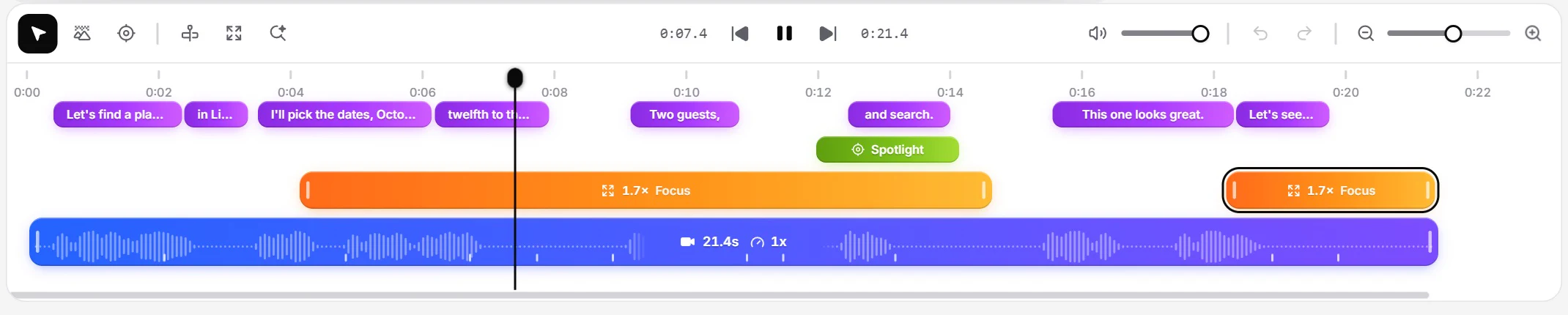
Whisper transcribes your voice on your computer. Each word lights up as you say it, and you can edit every line.
Dim, blur or frame everything around an area, then draw an arrow to it.
Blur emails, API keys and names in a couple of clicks.
Use gradients, wallpapers or your own photos, with rounded corners and soft shadows.
Optional click, key and scroll sounds, so a silent demo doesn't feel empty.
Show your webcam as a bubble or a split layout, with your mic and system audio in sync.
Vertical video
Switch to 9:16 and OnScreen reframes around the action, keeps captions and keys inside the safe zone and puts your webcam on top, ready for Reels, Shorts and TikTok.
Private by design
There is no account and no cloud. Projects are regular files on your disk, and captions are transcribed on your machine.
How it works
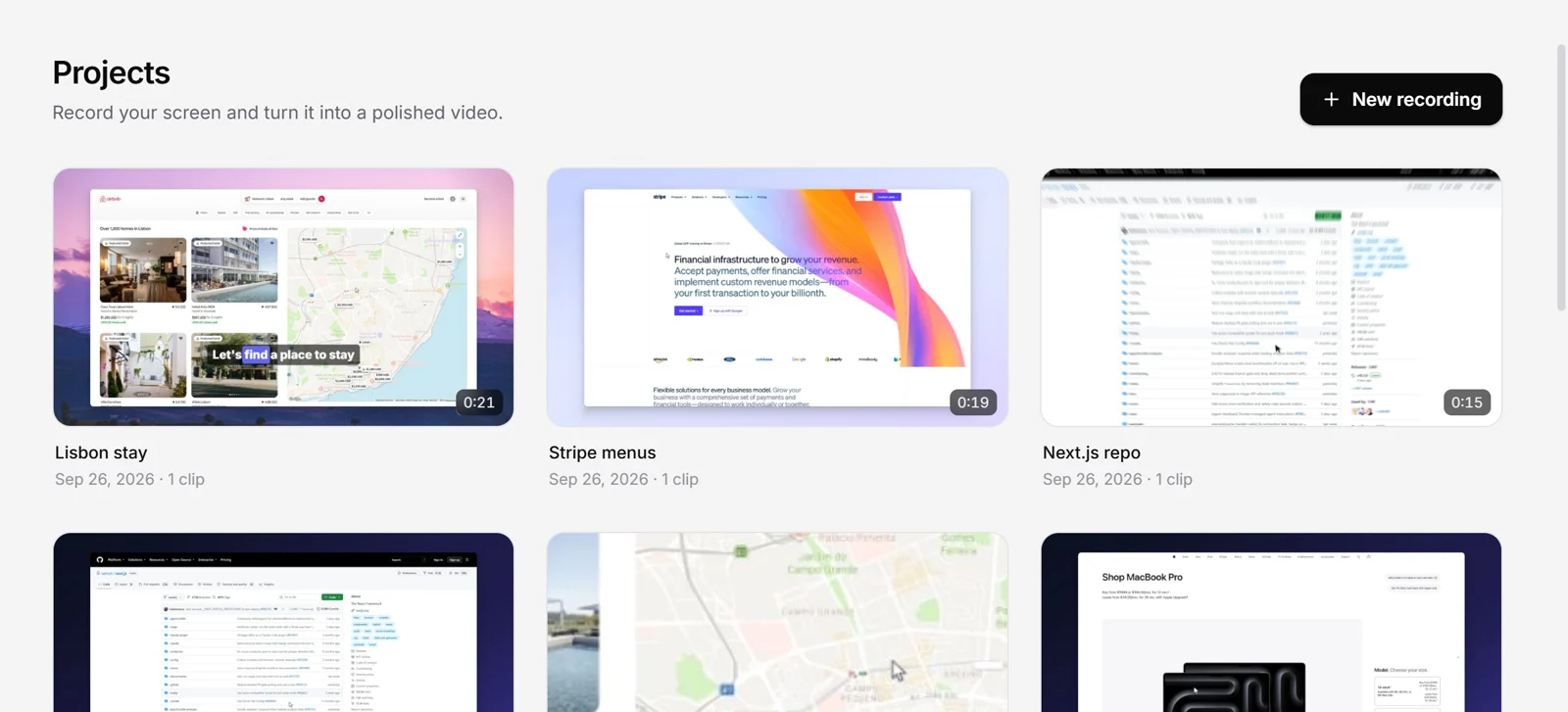
Pick a screen, window or area from the floating bar, and add your webcam and mic if you want.
Zooms, cursor and captions are ready when you stop. Adjust anything on the timeline.
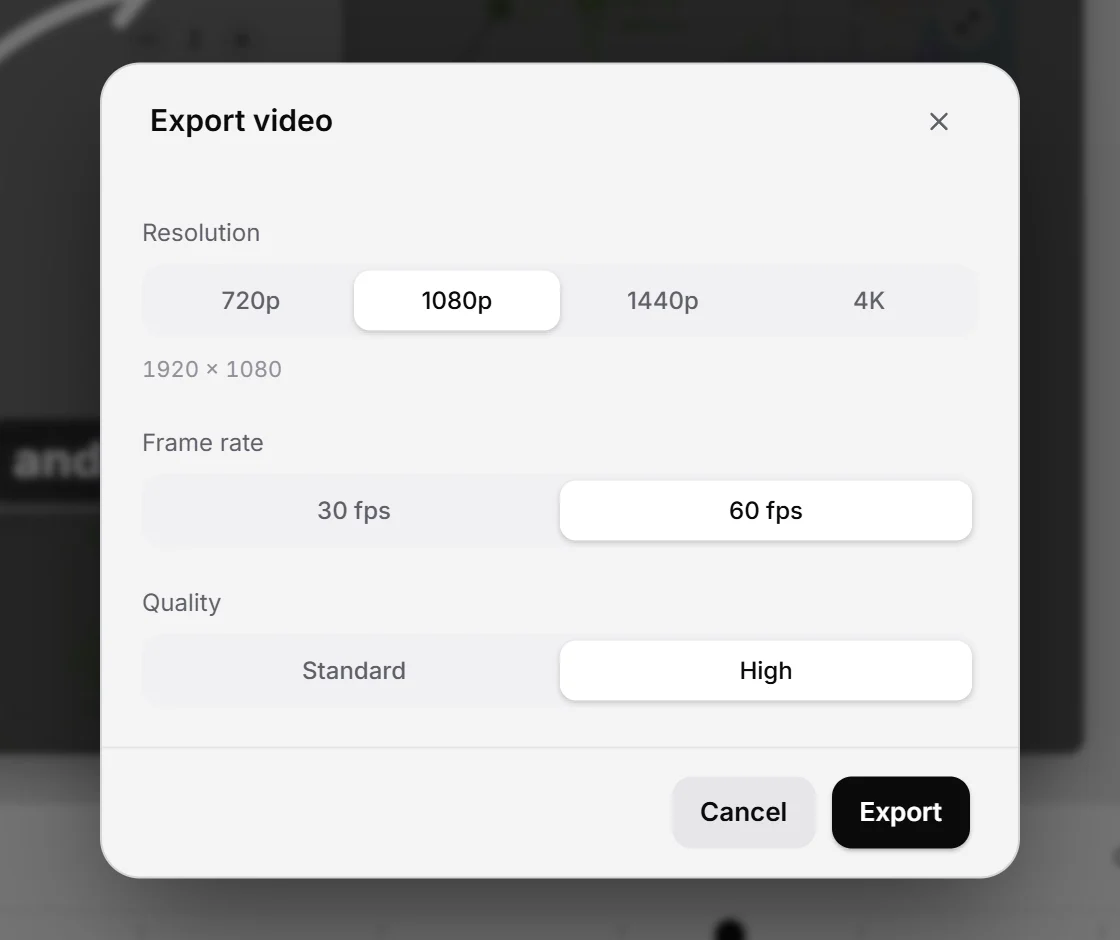
Export an MP4 up to 4K at 60 fps, in 16:9, 9:16, 1:1 or 4:3.
Pricing
OnScreen costs $29. There is no subscription and no monthly fee.
 OnScreen
$29
one-time payment
Prices for one person, taken from each company's pricing page. Where an app has a free plan, we list its paid plan.
| App | Price | First year | Over 3 years | Platforms |
|---|---|---|---|---|
| OnScreen | $29 once | $29 | $29 | Win, Mac |
| ScreenFlowScreenFlow | $199 once | $199 | $199 | Mac |
| LoomBusiness | $180/yror $18/mo | $180 | $540 | Win, Mac, web |
| CamtasiaEssentials | $179.88/yr | $179.88 | $539.64 | Win, Mac |
| TellaPro | $156/yror $26/mo | $156 | $468 | Win, Mac, web |
| Screen StudioScreen Studio | $108/yror $29/mo | $108 | $324 | Mac |
| RapidemoRapidemo | $108/yror $19/mo | $108 | $324 | Win |
| CapDesktop License | $58 onceor $29/yr | $58 | $58 | Win, Mac, Linux |
| FocuSeeStandard | $49.99/yror $19.99/mo | $49.99 | $149.97 | Win, Mac |
Prices in USD before taxes, checked in September 2026. Plans change, so check each site for current terms.
Checked against each company's own site and docs. None of them documents a zoom that finds where you are working and holds still there.
| App | OnScreen | Screen Studio | Camtasia | Cap | FocuSee | Loom | Clipchamp |
|---|---|---|---|---|---|---|---|
| Automatic zoom | Yes | Yes | Yes | Yes | Yes | No | No |
| Zoom that holds still on the activity | Yes | No | No | No | PartlyFixed zoom, set by hand | No | No |
| Captions made on your computer | Yes | Yes | Yes | Yes | Yes | NoIn the cloud | NoIn the cloud |
| Keystrokes on screen | Yes | Yes | Yes | PartlyBeta | Yes | No | No |
| Spotlights with arrows | Yes | PartlyHighlight, no arrows | Yes | PartlyHighlight, no arrows | Yes | PartlyArrows, no spotlight | PartlyArrows, no spotlight |
| Blur masks | Yes | Yes | Yes | Yes | Yes | Yes | PartlyWorkaround |
| Windows and Mac apps | Yes | NoMac only | Yes | Yes | Yes | Yes | PartlyMac in the browser |
| One-time price | Yes$29 | NoSubscription | NoYearly plan | Yes$58 | Yes$199.99 | NoSubscription | NoMicrosoft 365 |
Checked in September 2026. Apps change, so confirm the details on each site.
Compare
See how OnScreen compares with the tools you may already use.
FAQ
OnScreen is a screen recorder and editor for your desktop. It records your screen, webcam and audio, then adds zooms, a smooth cursor, captions and keystrokes so the recording looks edited.
OnScreen costs $29, paid once. There is no subscription.
Yes. OnScreen has the same polished auto-zoom style on Windows and Mac, plus Focus zoom and spotlights with arrows, and it costs $29 once.
OnScreen runs on Windows 10 and 11 and on macOS, with the same editor and project format on both.
No. Recording, editing and exporting all happen on your computer. There is no account and no cloud storage.
OnScreen transcribes your voice on your own computer with OpenAI's Whisper large-v3 model, which it downloads once. Each word is highlighted as it's spoken, and you can edit every line.
Yes. Add your webcam as a bubble or a split layout, and record your microphone and system audio at the same time.
MP4 (H.264) up to 4K at 60 fps, in 16:9, 9:16, 1:1 or 4:3. That covers YouTube, docs, Reels, Shorts and TikTok.
Yes. Draw a mask over emails, keys or names and OnScreen blurs them for as long as you need.
OnScreen for Windows and Mac, $29 paid once.
No account needed, and nothing gets uploaded.